
Every Windows Crash, Decoded.
One page. Free. A field guide for techs who'd rather understand a BSOD than reinstall Windows.
A field-tested 2-page reference for diagnosing Windows crashes the way pros actually do it
Bug check codes, the WinDbg commands that matter, and the real culprits behind most BSODs. No wiki spelunking, no guesswork.
When a machine blue-screens, most people reboot and hope. The ones who actually fix it know how to read the dump. This guide is the cheat sheet I use on real client machines — the one I wish I'd had when I started.
What's inside
- The 12 bug check codes you'll actually see — what each one means and whether it's hardware, driver, or software, at a glance
- The WinDbg starter kit — install once, five commands, and you're reading dumps like the pros
- Hardware vs. software tells — how to know whether to swap RAM or blame a driver
- The usual suspects — the exact .sys files behind most crashes (AV/EDR, GPU, VPN, OEM bloatware, storage)
- What to do when there's no dump — diagnosing crashes that don't even leave evidence
From Tech Extranet — hands-on IT, hardware, and networking for people who'd rather understand the problem than reinstall Windows.
Send Me the Field Guide
It's better than formatting your PC.
Check your inbox
We just sent the BSOD Decoder PDF to your email. If you don't see it in a minute, check your spam folder.
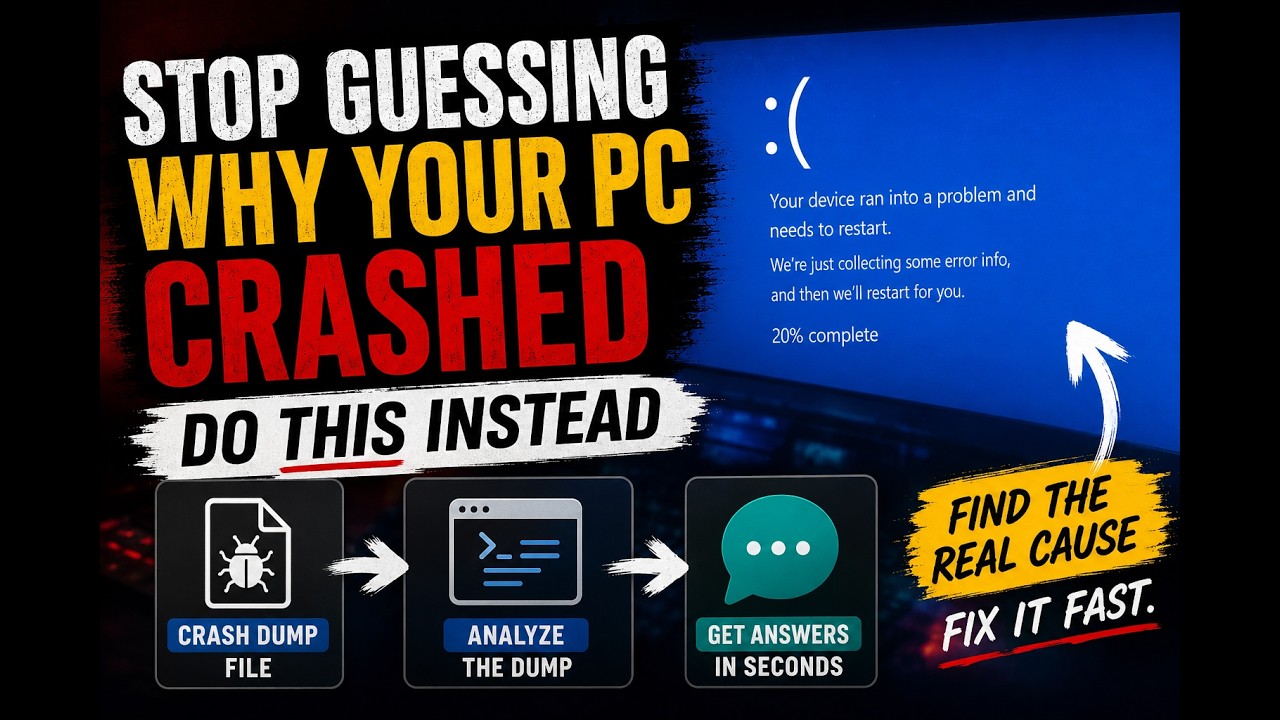
Figure Out Why My PC Crashed — Quickly, Like a Pro!
Video walkthrough
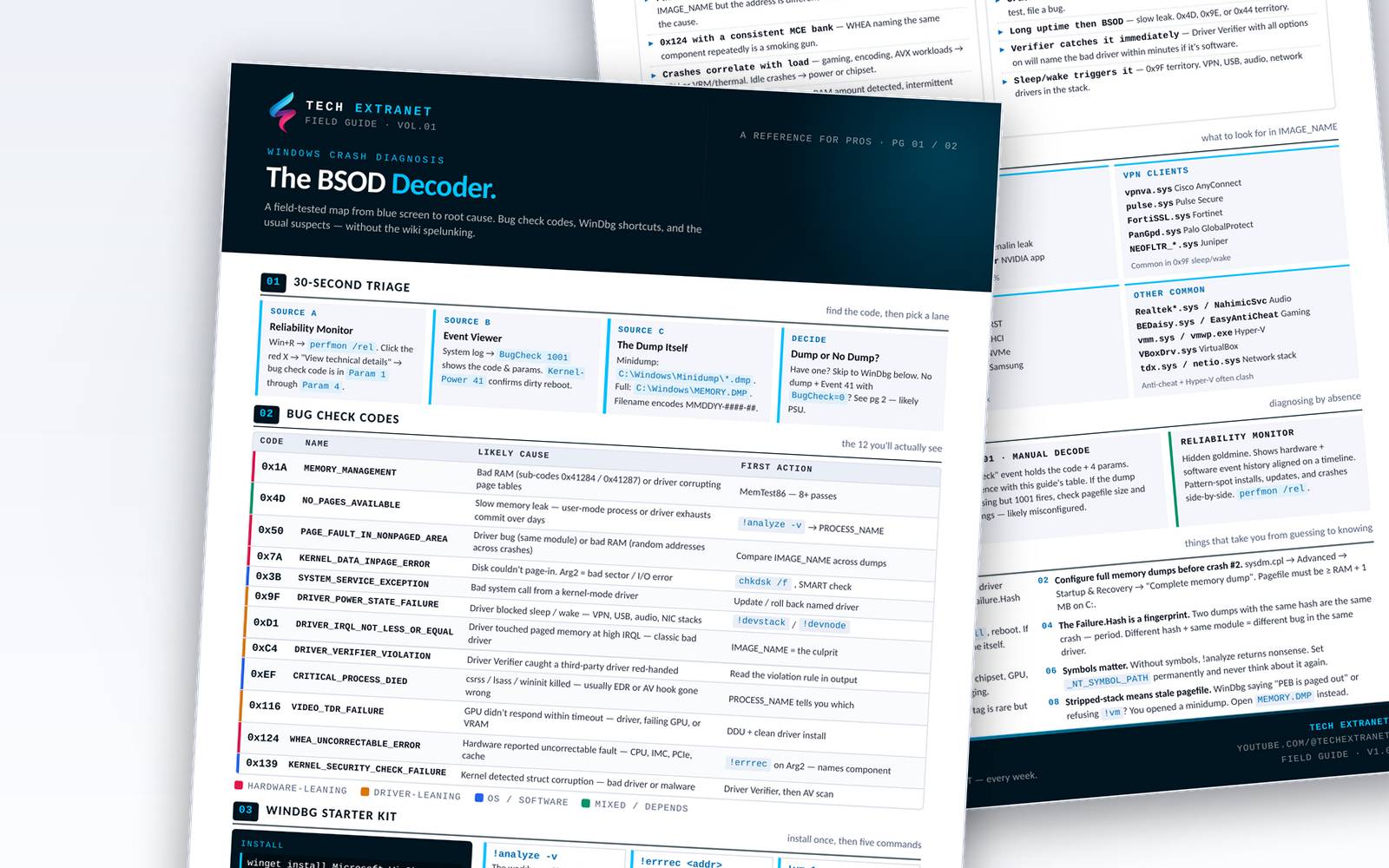
The Guide — 2 pages, no fluff.